

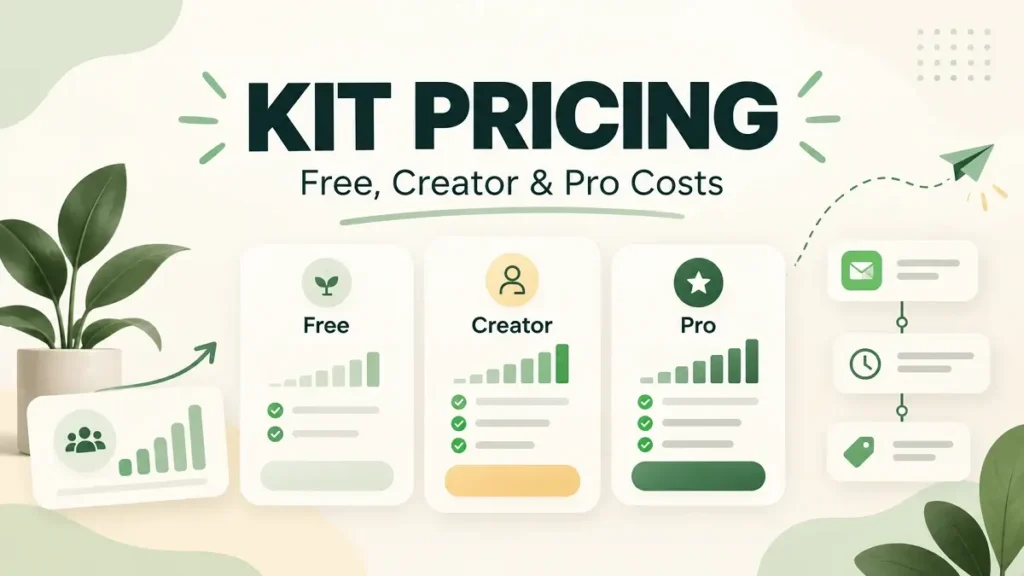
Kit, formerly ConvertKit, is an email marketing platform built primarily for creators. Its pricing in 2026 is based around three main plans: Free, Creator and Pro, with paid pricing scaling as your subscriber count grows.
Quick Answer
Kit currently offers Free at $0/month, Creator at $33/month for 1,000 subscribers, and Pro at $66/month for 1,000 subscribers. Creator is the main paid plan for most growing creators, while Pro adds more advanced growth, collaboration and support features.
Kit Pricing at a Glance
| Plan | Price at 1,000 subscribers | Best for |
|---|---|---|
| Free | $0/month | Creators starting out |
| Creator | $33/month | Growing creators who need automations and sequences |
| Pro | $66/month | Creators and teams needing advanced growth and support features |
Pricing checked September 2026. Kit prices paid plans by subscriber count, so the monthly total rises as your list grows.
What Do You Get on Kit Free?
Kit’s Free plan costs $0 and currently supports up to 10,000 subscribers. It includes unlimited landing pages and forms, unlimited email broadcasts, audience tagging and segmentation, and tools for selling digital products and subscriptions.
The Free plan is unusually generous on subscriber count, but it does not include the full automation toolkit available on the paid plans. It works best for someone who wants to build an audience and send broadcasts before investing in more advanced workflows.
Kit Creator Pricing
Creator is currently $33 per month for 1,000 subscribers. Kit also shows annual billing at $390 per year, which works out to a 17% saving compared with paying monthly.
Creator includes everything in Free plus unlimited Visual Automations, unlimited email sequences and additional creator-focused workflow features. For most people using Kit as their main email marketing platform, this is the plan where the product starts to feel complete.
Kit Pro Pricing
Pro is currently $66 per month for 1,000 subscribers. It is designed for larger creators and teams that need more advanced growth and collaboration tools.
Kit lists features such as subscriber engagement scoring, collaborative editing, more advanced A/B testing, Facebook custom audiences, newsletter referral tools and priority support among the higher-tier capabilities.
The main question is whether those advanced tools are worth paying roughly twice the Creator price at the same list size.
How Subscriber Count Changes the Price
The $33 and $66 prices are examples for 1,000 subscribers. Kit scales paid pricing with your active subscriber count, so you should always check the calculator using your real list size.
That matters because email platforms can look very different once a list reaches 5,000, 10,000 or 50,000 subscribers. The starting price tells you where a plan begins, not what you will necessarily pay long term.
Monthly vs Annual Billing
Kit currently advertises a 17% saving on Creator when billed yearly. Annual billing makes sense if you already know Kit fits your workflow. Monthly billing gives you more flexibility if you are still comparing platforms or expect your needs to change soon.
When Does Kit Start Getting Expensive?
Kit’s Free plan is generous because it allows up to 10,000 subscribers, but paid pricing works very differently. Once you need Creator or Pro, the monthly price scales with subscriber count.
That means the real question is not whether Creator starts at $33. It is what Creator costs at the list size you are actually trying to build. A 1,000-subscriber creator and a 20,000-subscriber creator can use the same core plan but pay very different amounts.
For that reason, Kit is worth comparing at a realistic future list size rather than only at today’s entry price. If automations are the reason you need to leave Free, check the paid price at 5,000 or 10,000 subscribers before committing.
Which Kit Plan Makes Sense?
Free is suitable for building an audience and sending broadcasts without paying immediately. Creator is the natural upgrade when you need automations and email sequences. Pro is for creators and teams that will actually use advanced growth, collaboration and support features.
For more email platforms and marketing tools, see the Software & Marketing Tools hub. You can also compare the cost structure with our GetResponse Pricing, GetResponse vs Kit and MailerLite Pricing guides.